See the report your customer opens.
This sample shows how completed work, blocked access, photos, customer action, and PDF records appear in a restaurant-ready report.
Customer-facing preview
A quick preview before opening the full sample.
The full sample report opens as the restaurant would see it: status first, customer action next, then photos, service coverage, and a PDF copy.
Service date
Apr 24, 2026
The sample opens with the date, access action, attached photos, and PDF copy before the longer service details.
What the customer sees first
Access issue and cleaned area photos stay attached to the same service record.
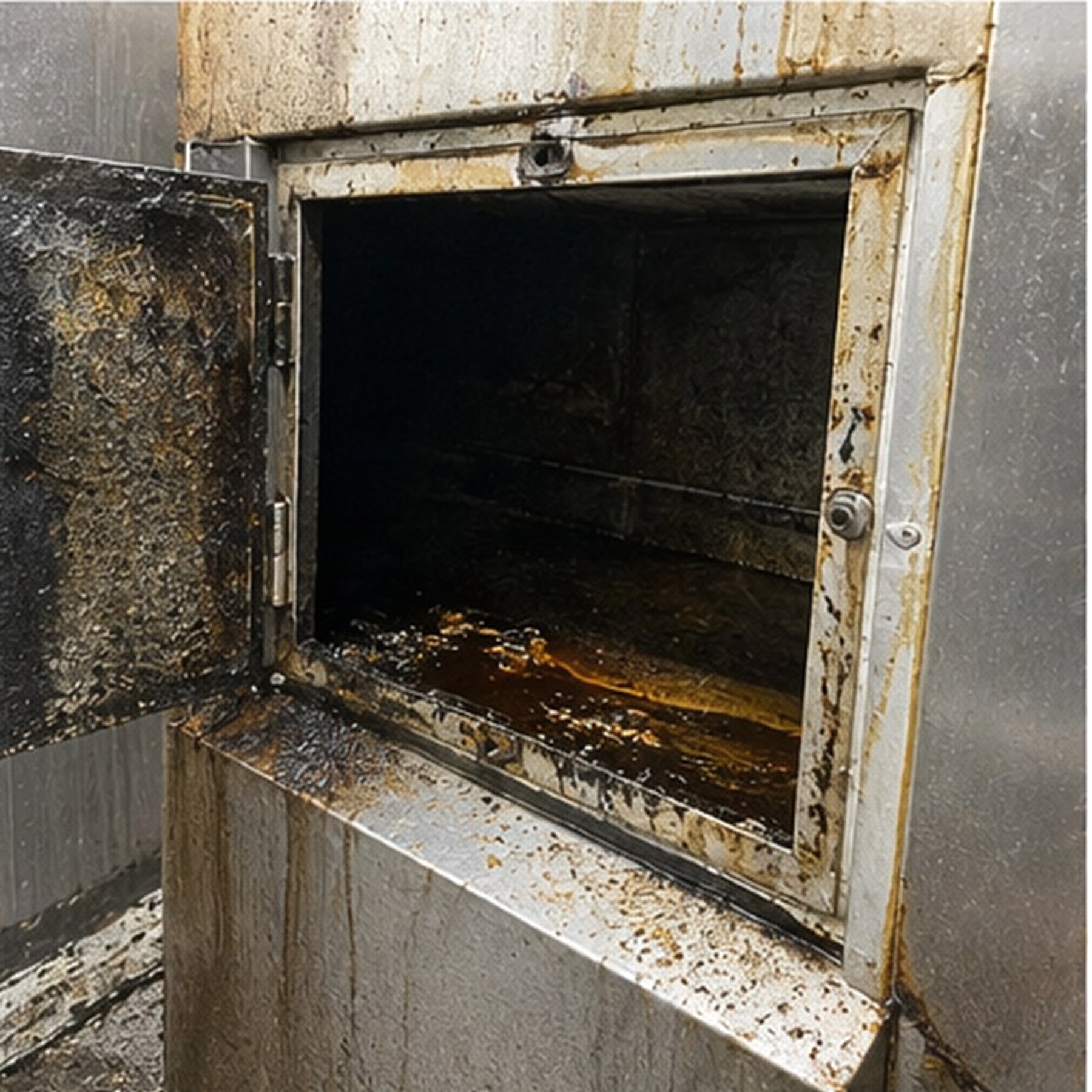
Access
Duct access condition
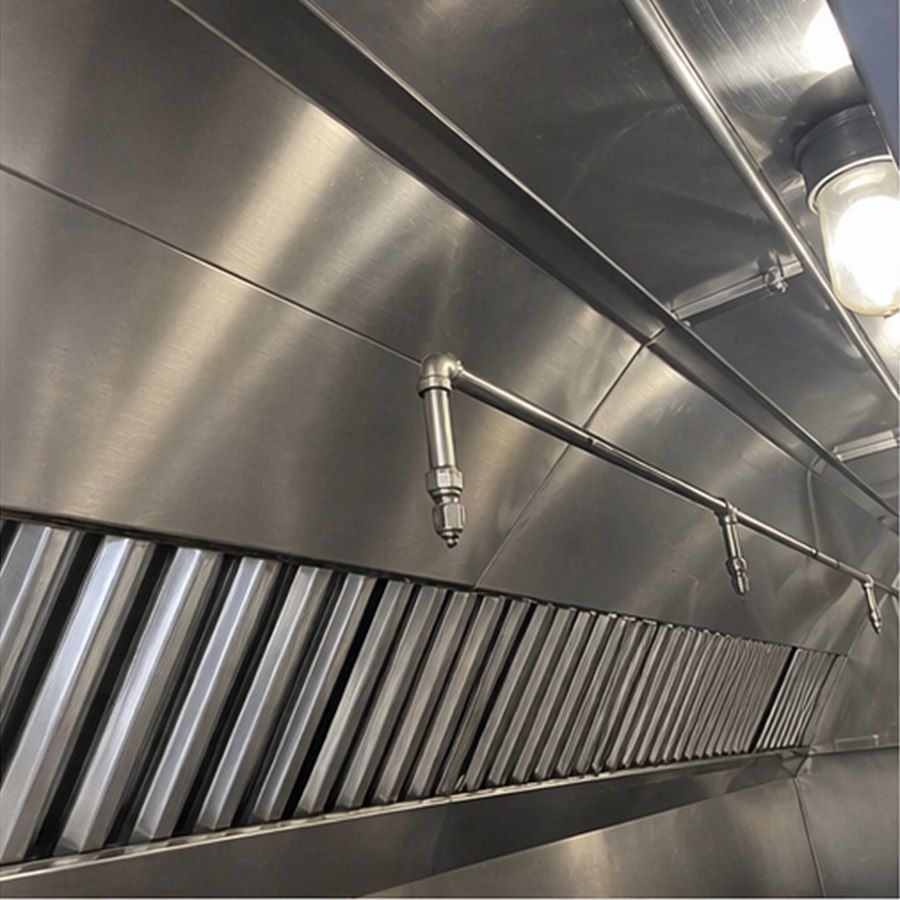
After
Hood interior after clean
Service result
Reachable work completed.
Customer action
Blocked access is separated from completed work.
PDF copy
The restaurant can save the report for records.